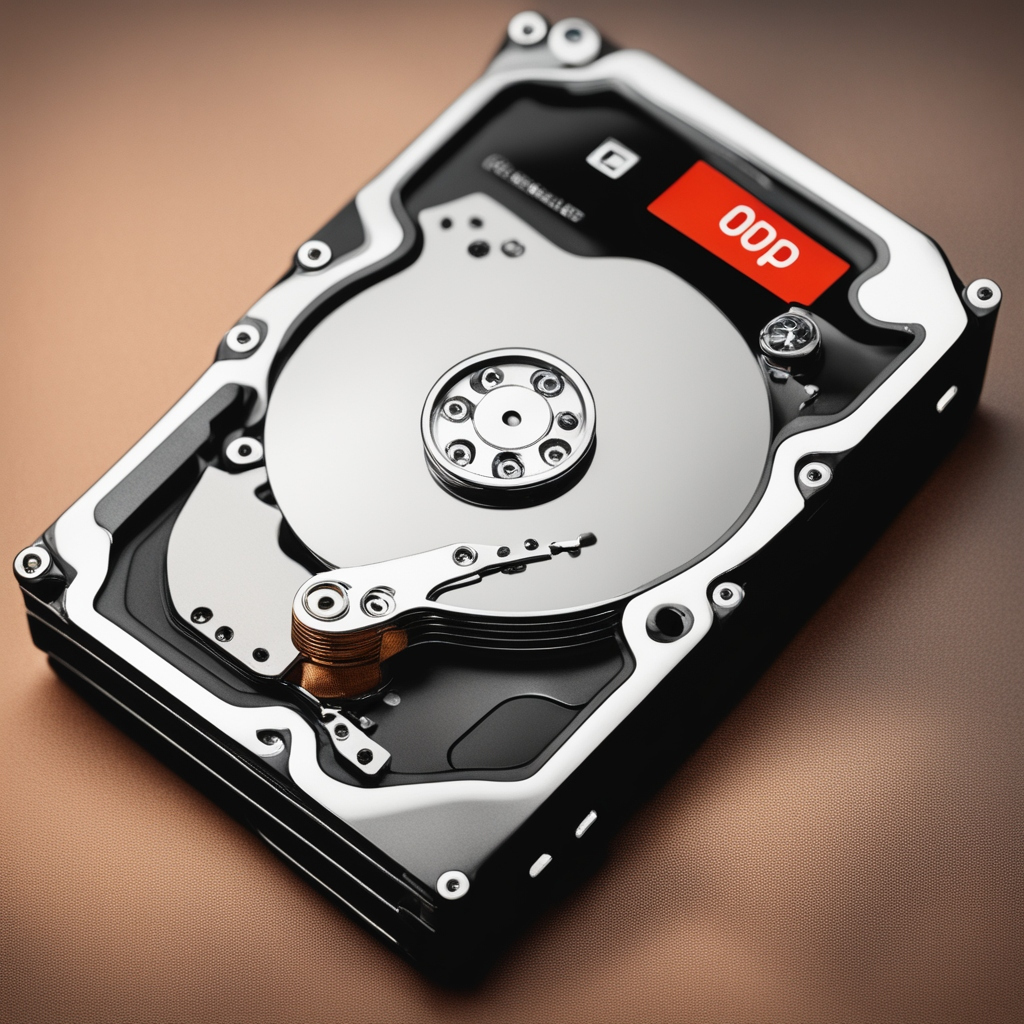
In today’s digital world, protecting your important files is crucial. Whether it’s cherished photos, vital documents, or essential projects, backing up your files ensures you won’t lose them in case of a computer failure, accidental deletion, or other unexpected issues. Follow this complete guide to learn how to back up your files effectively using the Rule of Thirds.
Understanding the Rule of Thirds for Backups
To ensure the safety of your files, it's essential to follow the Rule of Thirds:
- Local Backup: Keep a copy of your files on an external hard drive or USB flash drive that is physically near you.
- Recovery Backup: Use a cloud service to store a copy of your files that can be accessed anytime from anywhere.
- Distant Backup: Have an additional backup in a different physical location, like a friend’s house or a safety deposit box.
1. Local Backups
Local backups are the first line of defense against data loss. Here’s how to create them:
External Hard Drives: Purchase an external hard drive and regularly copy important files onto it. Ensure you organize files in folders for easy retrieval.
USB Flash Drives: For smaller files, USB flash drives are a convenient option. They are portable and easy to use.
Backup Software: Use backup software that automatically copies files to your local storage on a schedule. Look for options that allow incremental backups to save time and space.
2. Recovery Backups
Cloud storage services offer a safe and convenient way to back up your files. Here’s how to use them effectively:
Choose a Cloud Service: Options like Google Drive, Dropbox, and OneDrive offer free storage with paid upgrades for more space. Choose a service that fits your needs.
Sync Files: Most cloud services allow you to sync specific folders on your computer, so your files are automatically backed up in real-time.
Access Anytime, Anywhere: Cloud backups give you the ability to access your files from any device with an internet connection, making it easy to retrieve files when needed.
3. Distant Backups
Distant backups provide an extra layer of protection against loss or theft. They also help if something happens to your home or office. Here’s how to set them up:
Offsite Storage: Store a copy of important files in a different location. This could be a friend or family member’s house or a safety deposit box.
Burn to Discs: For long-term storage, consider burning files to DVDs or Blu-ray discs and keeping them offsite.
Use a Different Cloud Service: Consider using a different cloud provider for your distant backup to add an additional layer of security.
4. Regular Backup Schedule
Establish a routine for backing up your files. Here’s a simple plan:
Daily: Save your work to your local backup (external hard drive or USB).
Weekly: Ensure your cloud storage is synced and up-to-date.
Monthly: Review your distant backup and add any new important files.
5. Verify Your Backups
It’s not enough to just back up your files; you should also verify them regularly. Check that your files are accessible and not corrupted. Try restoring a few files from each backup method to ensure everything is working correctly.
Need Help with Backups? Contact EB IT Support LTD!
If you’re feeling overwhelmed by the process of backing up your files or need assistance setting up your backup system, EB IT Support LTD is here to help! Contact us at 01205 627240 or email [email protected] for personalized support and guidance.


